Full-Stack Web Apps
PHP, MySQL and modern JS — from database schema to the final pixel.
01scroll = play
Scroll down — the video plays under your thumb ✦
about me
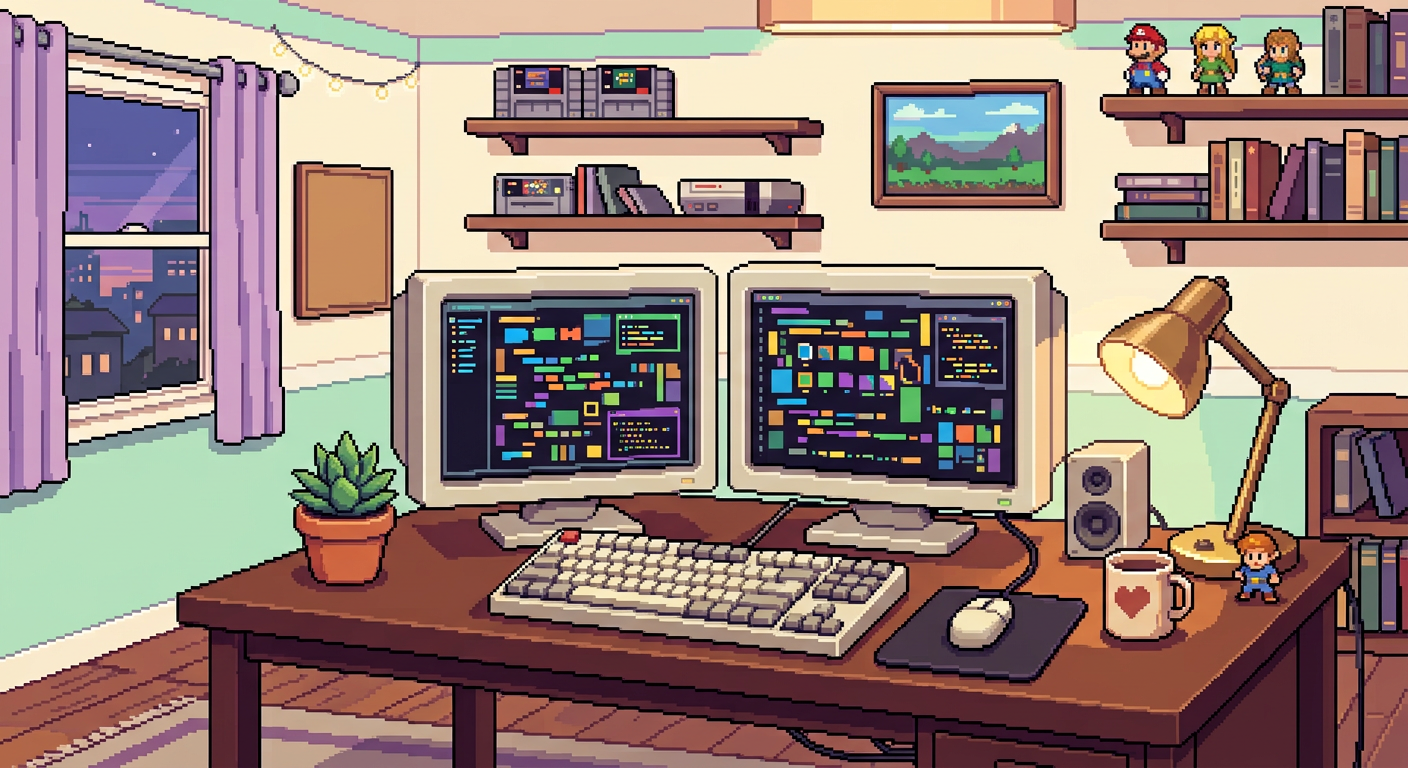
I turn ideas into full-stack products with hand-tuned animation. PHP & MySQL on the server, custom JS/CSS on the surface — and pixels everywhere in between.
#FF13A
the toolbox
Every cell is a tool I use weekly — hover to feel the fill.
what i do
PHP, MySQL and modern JS — from database schema to the final pixel.
01Interfaces with buttery scroll, curves and animations that feel alive.
02Clean REST endpoints, third-party hooks and solid auth flows.
03Scroll-scrub video, micro-interactions and easing-curve polish.
04selected work
the road so far
Wrote my first page at 13 and broke it proudly — then fixed it at 2am.
Built browser games and automation scripts instead of sleeping.
Shipped an online shop for a local store — got hooked on real users.
Mastered PHP, MySQL and buttery front-end animation craft.
Building pixel-perfect products and leading UI builds.
good questions
Yes — age is just a commit count. I take on freelance and internships with full focus.
PHP + MySQL on the back, hand-written JS/CSS on the front. No bloat.
Usually within 48 hours. Drop a message in the contact form.
available now
Tell me about your project — I reply within 24 hours (usually much faster).